01
Choose your base
Start with your sport.
Pick the jersey cut built for how your team plays. Every template begins with a performance-ready fit and the right customisation zones.
How it works
A straightforward, visual way to make custom teamwear—without emails, guesswork or a complicated production process.
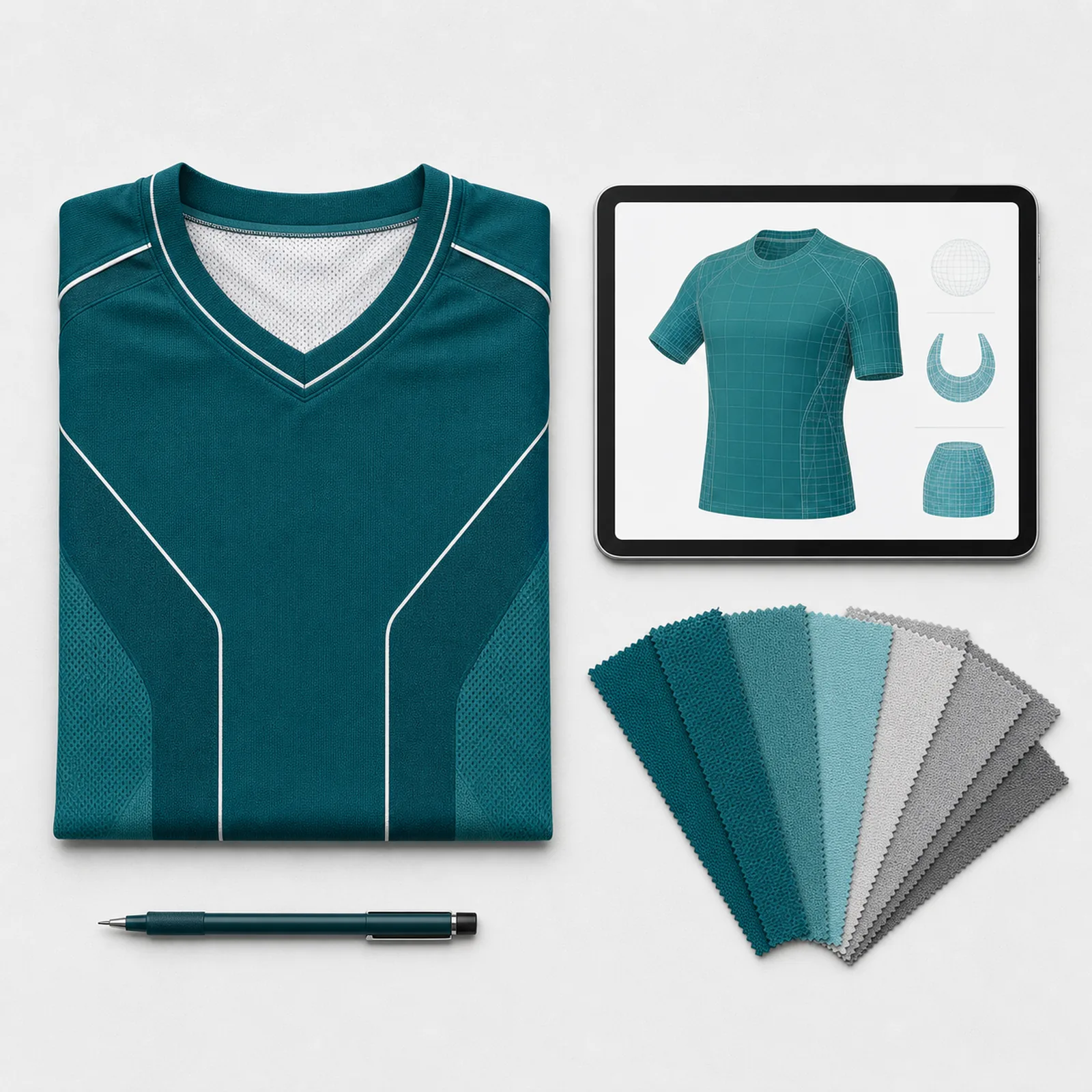
Design together
See the kit before it is made.
One order flow
Names, numbers, sizes and quantities in one place.
Made for the season
Performance fabric and durable sublimation printing.
The four steps
Choose your base
Pick the jersey cut built for how your team plays. Every template begins with a performance-ready fit and the right customisation zones.
Make it yours
Change colours, collar options and panels as you go. The live preview keeps every decision clear before anyone commits to production.
Bring in the squad
Upload your artwork, personalise player details and organise the essentials for the whole roster in one place.
Approve with confidence
Confirm the proof, sizes and quantities, then let us take care of turning your design into teamwear that is ready for the season.

Ordering for a whole team?
For squads, academies and corporate leagues, we help you keep design, roster and bulk quantities moving in one direction.
Enquire for teams